
What SmarteBuild does
SmarteBuild is estimating and project management software for Australian builders. It takes a job from a set of drawings all the way through to a finished, claimed and reconciled contract, without the numbers being re-typed at any point along the way.
That last part is the whole idea. Most builders run an estimate in a spreadsheet, a schedule in something else, orders on a pad and claims in their accounting package. Every boundary between those is a place for a number to go stale. SmarteBuild keeps one set of numbers and lets each part of the job read from it.
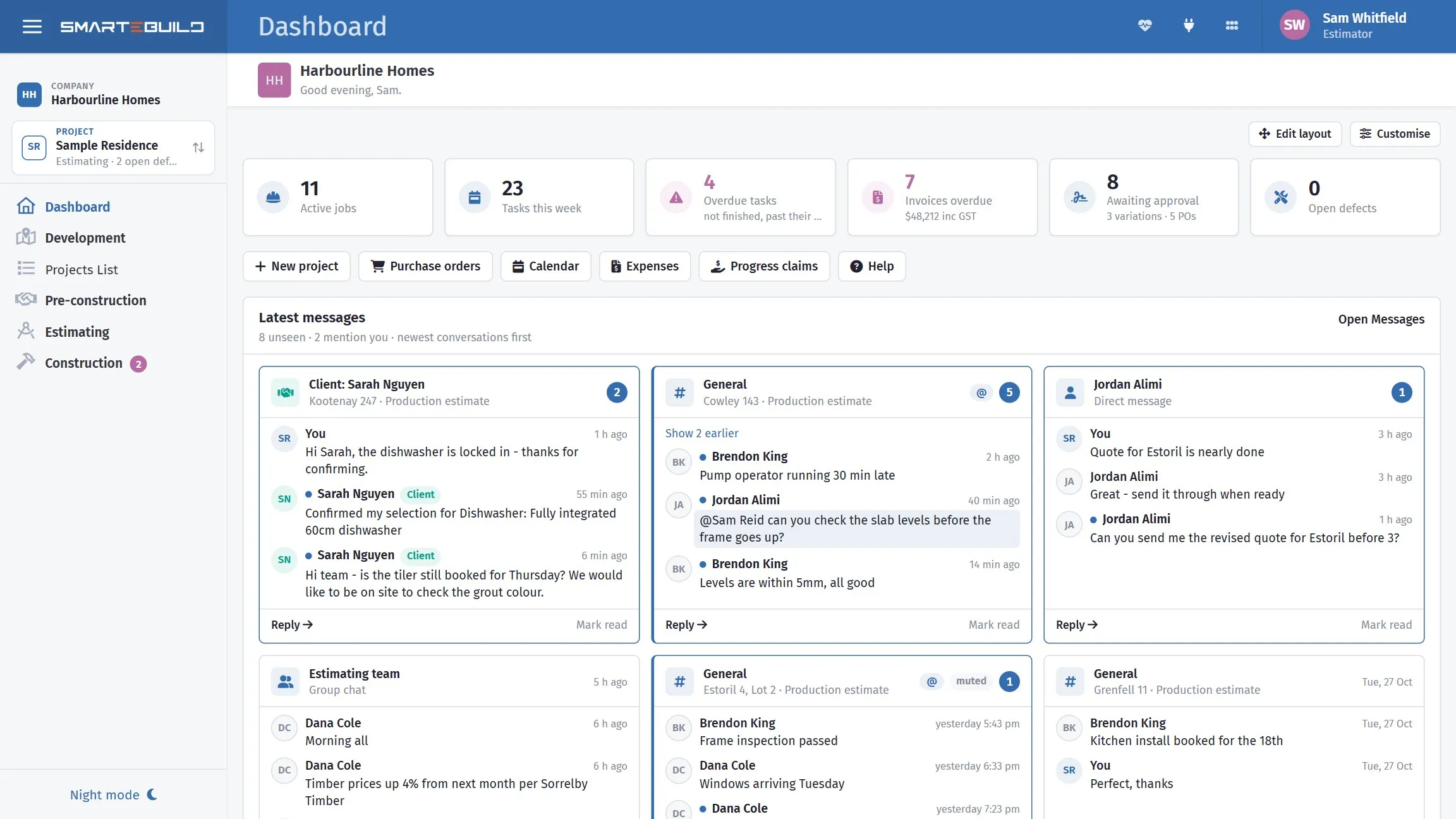
One job, from the estimate through to handover, in one place.
The shape of a job
Section titled “The shape of a job”Work moves through SmarteBuild in four stages. You will recognise them, because they are the stages of any building job.
1. Estimate it
Section titled “1. Estimate it”Load the drawings, measure the quantities off them, and build a priced Bill of Quantities.
- Documents holds the drawing set.
- Take-Off measures quantities straight off the PDFs.
- Cost Codes is the structure you cost against — your trade breakdown.
- Bill of Quantities is the priced estimate itself.
- Price Lists and Suppliers feed it the rates.
2. Win it
Section titled “2. Win it”Put the work out to your subcontractors, compare what comes back, and let the winning prices flow into the estimate.
- Tenders & Quotes builds packages and sends them out.
- Quotes record prices that arrive outside a formal tender, on the same Tenders & Quotes list.
3. Buy it
Section titled “3. Buy it”Turn the estimate into commitments — orders to suppliers and subcontractors, with the committed cost tracked against what you allowed.
- Purchase Orders raises and issues orders.
- Expenses records the invoices that come back against them.
4. Build it
Section titled “4. Build it”Run the job: schedule it, book the trades, handle the changes, claim the money, and close out the defects.
- Schedule & Booking covers tasks, the Gantt, the calendar, call-ups and cash flow.
- Variations handles changes to the contract.
- Progress Claims gets you paid.
- Colour Selection runs the client’s selections.
- Defects tracks the punch list.
- Messages keeps the conversation about each job in one place.
What connects them
Section titled “What connects them”Two things do most of the connecting, and they are worth understanding early.
The Bill of Quantities is the spine. Almost everything downstream reads from it. An order is raised against BOQ items. A claim is made against what those items are worth. A variation adds items to it. If you understand the BOQ, the rest of the system stops being surprising.
Take-off fields carry quantities. When a measurement off a drawing feeds a BOQ item, changing the measurement changes the item — and everything that reads from the item. This is what stops a late drawing revision turning into an afternoon of re-typing.
Which parts you will actually use
Section titled “Which parts you will actually use”That depends on your plan, and on your job.
- Estimators live in Documents, Take-Off, Cost Codes and the BOQ, and finish in Tenders.
- Builders and project managers spend their time in Purchase Orders, Schedule, Variations and Progress Claims.
- Contract administrators move between Expenses, Claims and Variations.
Nobody uses all of it every day. See What is in each plan for what your subscription includes.
- Company, project, estimate — the one idea that explains where everything lives
- Your first project, end to end — a worked tutorial