
Office 365 and Outlook
Connecting Office 365 lets SmarteBuild send from your Microsoft mailbox directly, without SMTP host and password settings.
Set it up from Integrations in the top bar → the Office 365 connection.
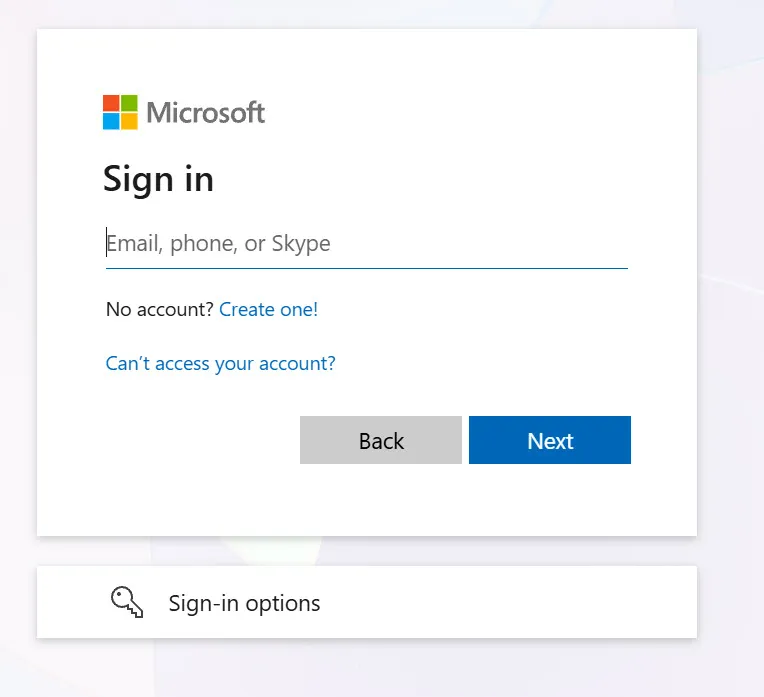
You sign in to Microsoft once. SmarteBuild never sees or stores your password.
Why use it rather than SMTP
Section titled “Why use it rather than SMTP”Microsoft has progressively restricted plain password sign-in from third-party applications. SMTP against a Microsoft 365 mailbox generally now requires an app password, and in some tenants is blocked entirely.
The direct connection avoids that. You authorise SmarteBuild against your Microsoft account once, and no password is stored.
It also means mail sent from SmarteBuild appears in your own Sent Items, which SMTP sending does not always do.
Connecting
Section titled “Connecting”- On your profile, under Email sending, press Outlook or Microsoft 365 - or choose Office 365 from Integrations in the top bar of any page.
- A small window opens on Microsoft’s own sign-in. Pick the account you want to send from and accept the permission it asks for. There is no address to type: SmarteBuild uses the account you signed in with.
- The window says Connected, sends a test message to that address, and closes by itself. Your profile shows the address as Working straight away.
The connection renews itself, so there is nothing to tick and nothing to redo each month. If you change your Microsoft password or remove SmarteBuild from your Microsoft account, press Connect again on your profile.
If nothing appears when you press the button, your browser is blocking pop-ups for SmarteBuild. Allow them, or use the link again - it then opens in a new tab and works the same way.
“Connected, but the test did not send” means the sign-in worked but your organisation has sending switched off for that mailbox. Your IT administrator can turn on Authenticated SMTP for it in the Microsoft 365 admin centre; then press Send a test on your profile.
What it sends
Section titled “What it sends”Everything SmarteBuild emails on your behalf:
- Purchase orders
- Tender invitations
- Variations
- Progress claims
- Void notices and other notifications
All from your own address, so replies come back to you.
Per user
Section titled “Per user”Each user connects their own mailbox. That is the point — an order from Dave should come from Dave’s address and be replied to in Dave’s mailbox.
A generic company address means replies land in a shared mailbox where they compete with everything else.
When it stops working
Section titled “When it stops working”| Symptom | Usually |
|---|---|
| Prompted to sign in again | The authorisation expired — reconnect |
| Popup never appears | The browser blocked it |
| Sends but recipients do not receive | Check spam, then check the recipient address |
| Consistently lands in spam | Your domain’s SPF and DKIM records |
That last one is worth chasing properly. Tender invitations landing in spam are lost bids, and you never find out they were lost. It is a DNS change your IT provider makes once.
SMTP as the alternative
Section titled “SMTP as the alternative”If the connection is not available in your tenant, SMTP still works — with an app password rather than your normal one. See Email settings.
Test it before you need it
Section titled “Test it before you need it”Send yourself one order after connecting.
Check three things: it arrives, it comes from the right address, and your signature appears correctly. Two minutes, and it beats finding out mid-tender.