
Checklists and safety
Available onBuilder
Two related things live here: checklists, for the checks you repeat on every job, and the safety register, for incidents.
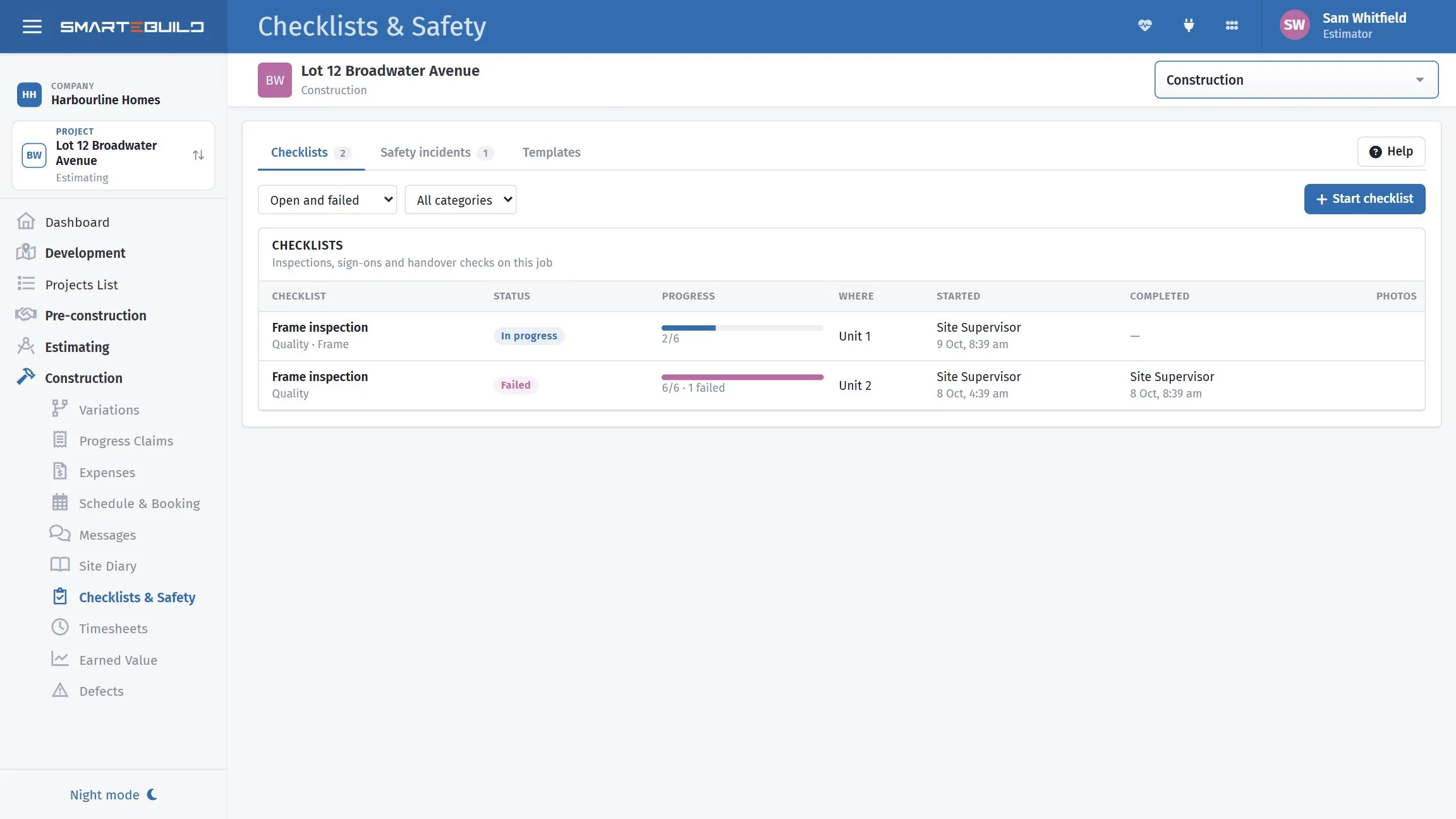
Templates on the left, the runs against your jobs on the right.
Templates and runs
Section titled “Templates and runs”The distinction runs through the whole module.
A template is the checklist itself — the items, what each one asks for, and which require a photo. You build it once.
A run is one performance of that template on one job on one day. It has answers, photos, a signature and a time.
So “Pre-pour check” is a template; “Pre-pour check, 18 Beach Road, 28 October, 7:42am, signed by Dave Marsh” is a run.
What checklists are for
Section titled “What checklists are for”Two different jobs, and it is worth being clear which you are doing.
Quality. A pre-pour check, a pre-plaster check, a handover inspection. The value is catching the thing before it is covered up.
Compliance. A safety walk, a plant inspection, an SWMS sign-off. The value is being able to show it was done.
The second is why runs capture a signature and a timestamp. “We always check the reinforcement” is an assertion; a closed-out run with six photographs at 7:42am is a record.
The incident register
Section titled “The incident register”Near misses, injuries, property damage — anything that needs recording and, later, closing out.
Kept in the same module because the same people fill it in from the same phone, and because an incident often has a checklist behind it.
Where the work happens
Section titled “Where the work happens”| Task | Where |
|---|---|
| Building templates | Desktop |
| Assigning a template to a contract stage | Desktop |
| Running a checklist | Phone, on site |
| Capturing photos and the signature | Phone |
| Reporting an incident | Phone |
| Reviewing runs and the register | Desktop |
Running a check from the site office defeats most of the point — the photos are the evidence, and they have to be taken where the work is. See Checklists and incidents.