
The week
Available onBuilder
The Week tab is where hours are entered and read. Everyone sees their own week; approvers also see the tabs covered in Approving hours and labour cost.
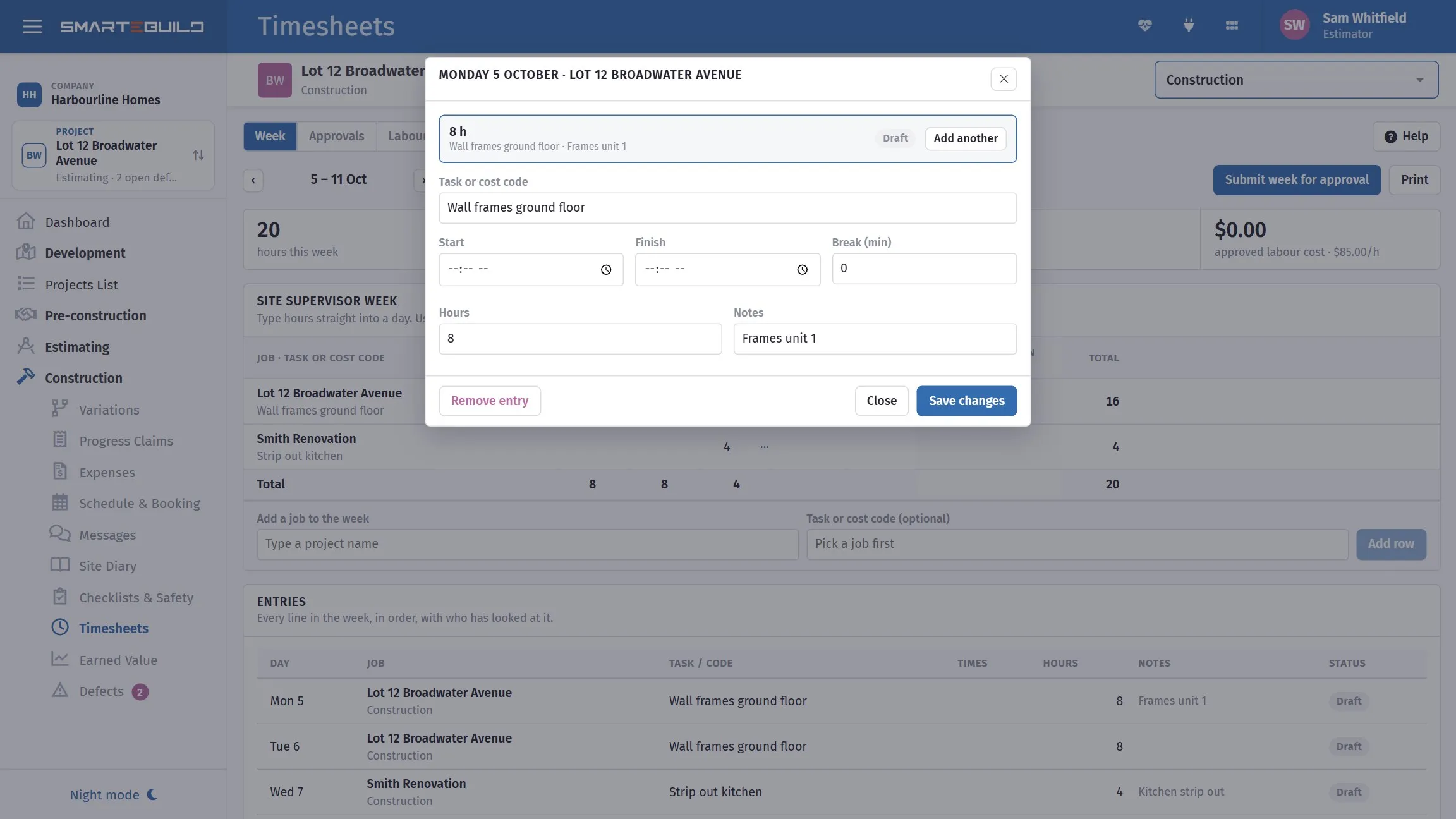
The week as the person filling it in sees it.
Reading the week
Section titled “Reading the week”The week’s entries with a running total. The date controls move between weeks.
Each entry carries:
| Field | |
|---|---|
| From / Finish | Start and end |
| Break (min) | Unpaid time, so paid hours are hours worked rather than time on site |
| Hours | What that works out to |
| Job | Which project the time is against |
| Task or code | Where the cost lands |
| Status | Draft, Submitted, Approved |
Add a job to the week puts a job onto the week so time can be entered against it — useful when hours are typed at a desk rather than clocked in on site.
Entry details opens one entry to correct it.
Split the week by job
Section titled “Split the week by job”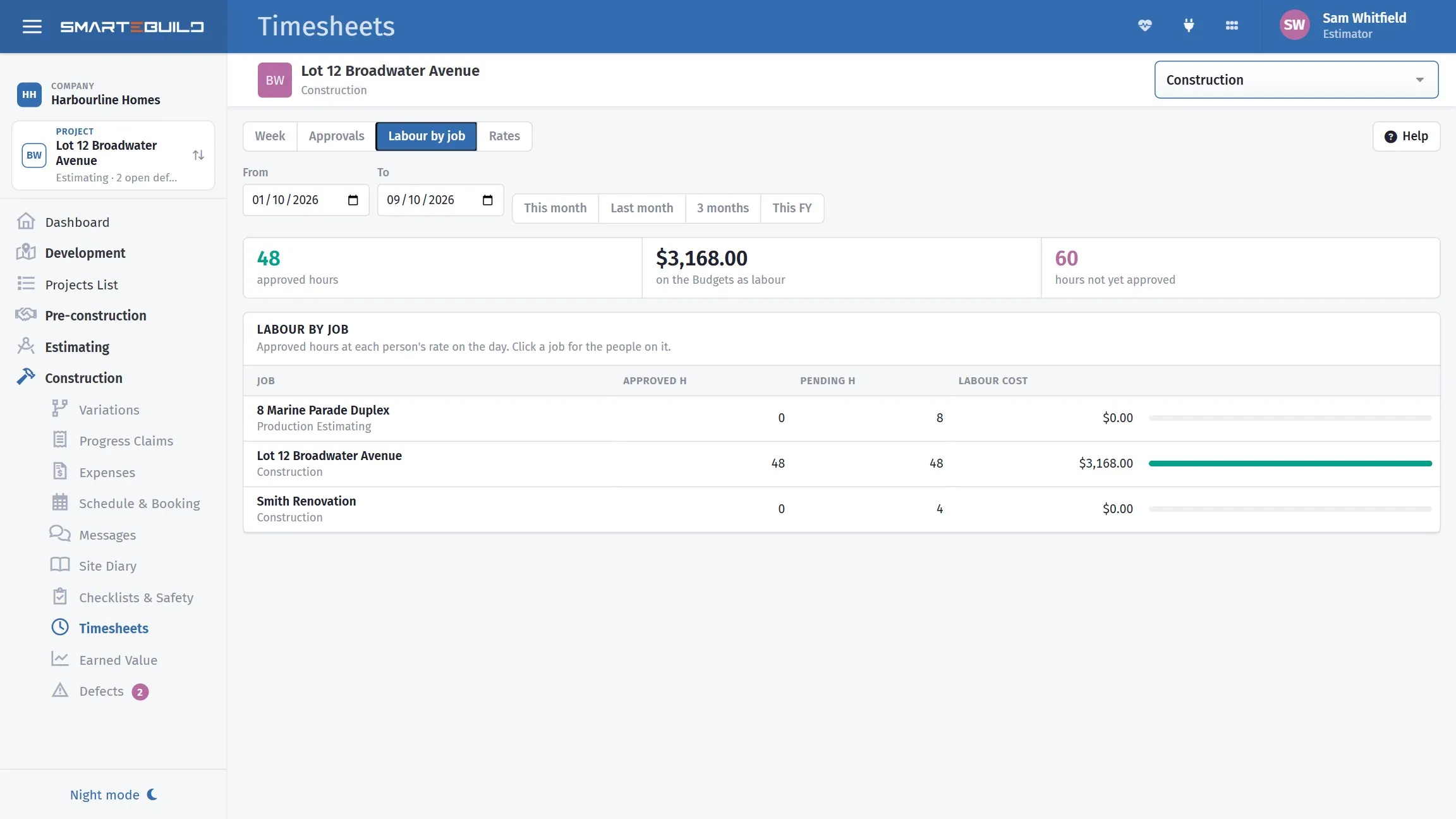
Split the day across jobs and each one carries its own labour.
A supervisor across four sites in a week produces entries against four jobs, not one total.
That is the whole point of the module. Without the split, labour is a business overhead — you know the week cost $8,400 and nothing about which job absorbed it. With it, each job carries its real labour cost, and cost against budget includes the largest cost most builders never allocate.
Entering versus clocking
Section titled “Entering versus clocking”Hours reconstructed on Friday are wrong in a predictable direction — round numbers, forgotten short visits, and the half-day nobody can place.
Clocking in and out on the phone takes one tap and produces a real time. See Timesheets on the phone.
Submitting
Section titled “Submitting”Entries start as Draft. Submitting hands them to an approver.
Nothing is costed to a job until it is approved, so submitting commits nothing — it just says the week is ready to be looked at. An approver can approve Draft entries too, for the person who never presses Submit.
If a week is sent back, the reason appears on your week. Fix the entries and submit again.
PDF makes the week as a PDF to print or sign: every entry, the day totals and signature lines.
Correcting entries
Section titled “Correcting entries”Entries can be corrected until they are approved. A clock-out that never happened, a break that was not recorded, a job picked wrongly on a phone — all normal, and all better fixed than left.
Once approved, an approver has to unapprove it before it can change, which also takes the cost back off the job.